



New Rounded Look Option
The latest update includes a new Rounded Look that applies a fresh style to inputs and navigation elements throughout PCR. This updated style can be combined with any of the seven color themes to give your familiar PCR screens a fresh feel for the new year.
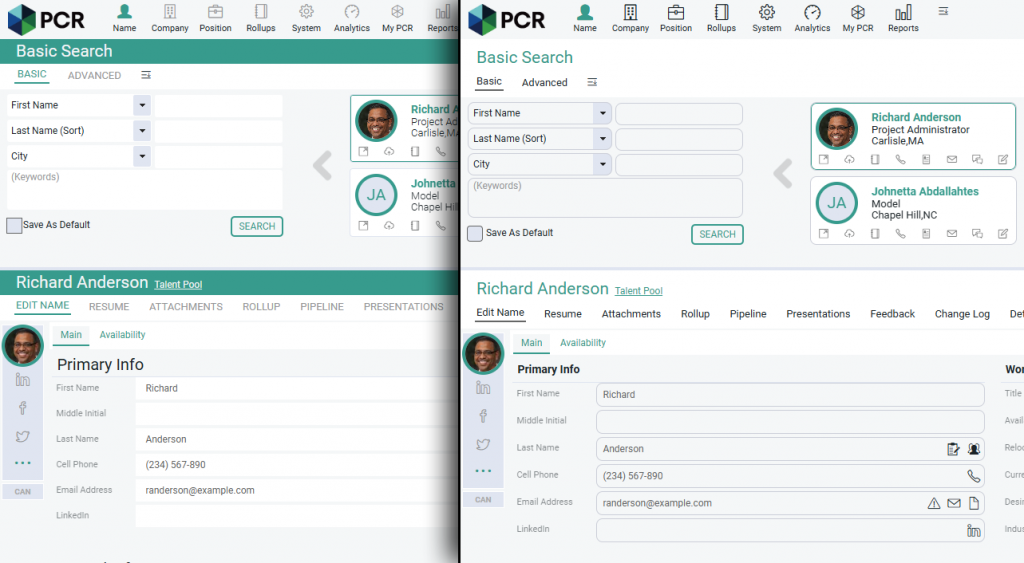
Activating Rounded Look
Switching to the new style is easy and will only affect your own login to PCR. To change styles:
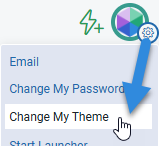
- Click the gear icon at the top right corner of your PCR screen.
- Select Change My Theme from the menu.
- Choose Rounded Look from the Classic/Rounded Look dropdown menu at the top of the popup. If you wish, you can also select a different theme.
- Click Save
- You will be prompted to log out and log back in. After logging in, the new styling choice will be active.
Updated Alert Styling
Regardless of whether you choose to activate the Rounded Look, you will notice a slight change to alert popups in PCR, which are now more compact and rounded.


Automatic Search Resize
In PCR 9, lists of records such as Search Results and Rollup Lists appear in the upper frame of the screen, with the detailed view of any record you select appearing in the lower frame of the screen.
With the new Automatic Search Resize option, the lower frame will automatically minimize whenever your upper frame contains a record list. This enhancement makes reviewing your lists and search results more efficient by maximizing the number of records viewable without scrolling or clicking. When any result in the upper frame is clicked, the lower frame will return to normal size automatically.
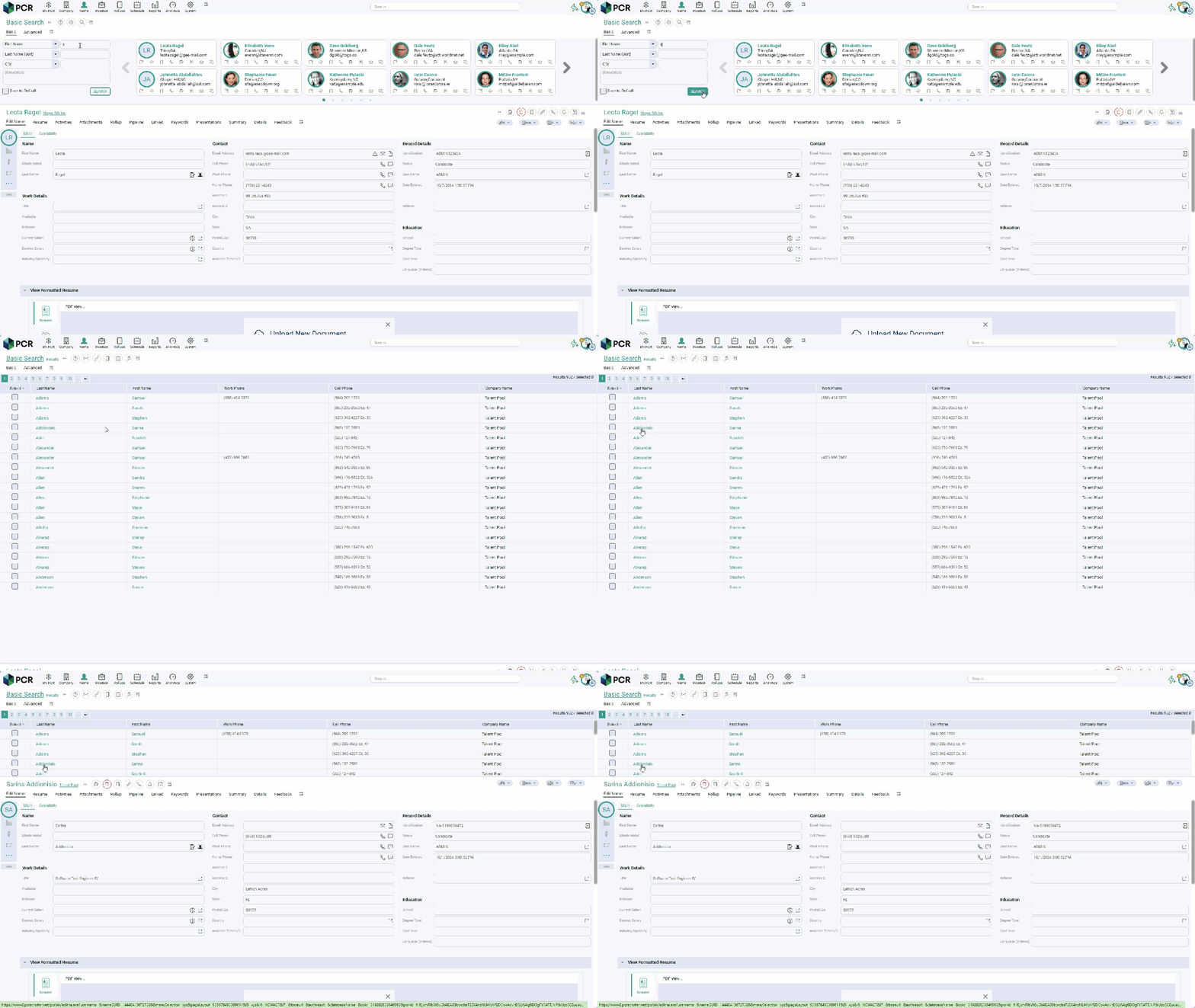
To activate the new option, follow the same instructions given above for activating the Rounded Look. You’ll find the Automatic Search Resize dropdown in the Change My Theme popup.

New SEEK Features

PCRecruiter has released some handy new features that make it easier to post better quality ads to SEEK, a leading employment marketplace which helps employers find the right people for their business faster across Australia, New Zealand, Hong Kong, Indonesia, Malaysia, Philippines, Singapore and Thailand.
- Job Ad Preview — fix mistakes in your job ad before they are posted to SEEK with Job Ad Preview. See how your ads appears in both mobile and desktop formats while you’re creating it and make changes to the content and layout to ensure you post a quality ad that engages relevant candidates.
- Brand Selection — if your business advertises using multiple brands, you can easily select the right logos and cover images for your role without leaving PCR, ensuring your roles are advertised.
- Category Suggestions — when you post to SEEK, your Category field will be suggested based on Job Title and Location.
- Ad Type — Ad Type selection now includes variable location-based pricing.
- Pre-Populated Fields — Fields such as Country, Currency, Salary, and others will be automatically filled with values from your Position record to save posting time.
This new functionality is available now with no additional set up required. Next time you post a SEEK job ad, you will have access to the features outlined above.
For more information on posting to SEEK from PCRecruiter, see the Learning Center or contact your representative.