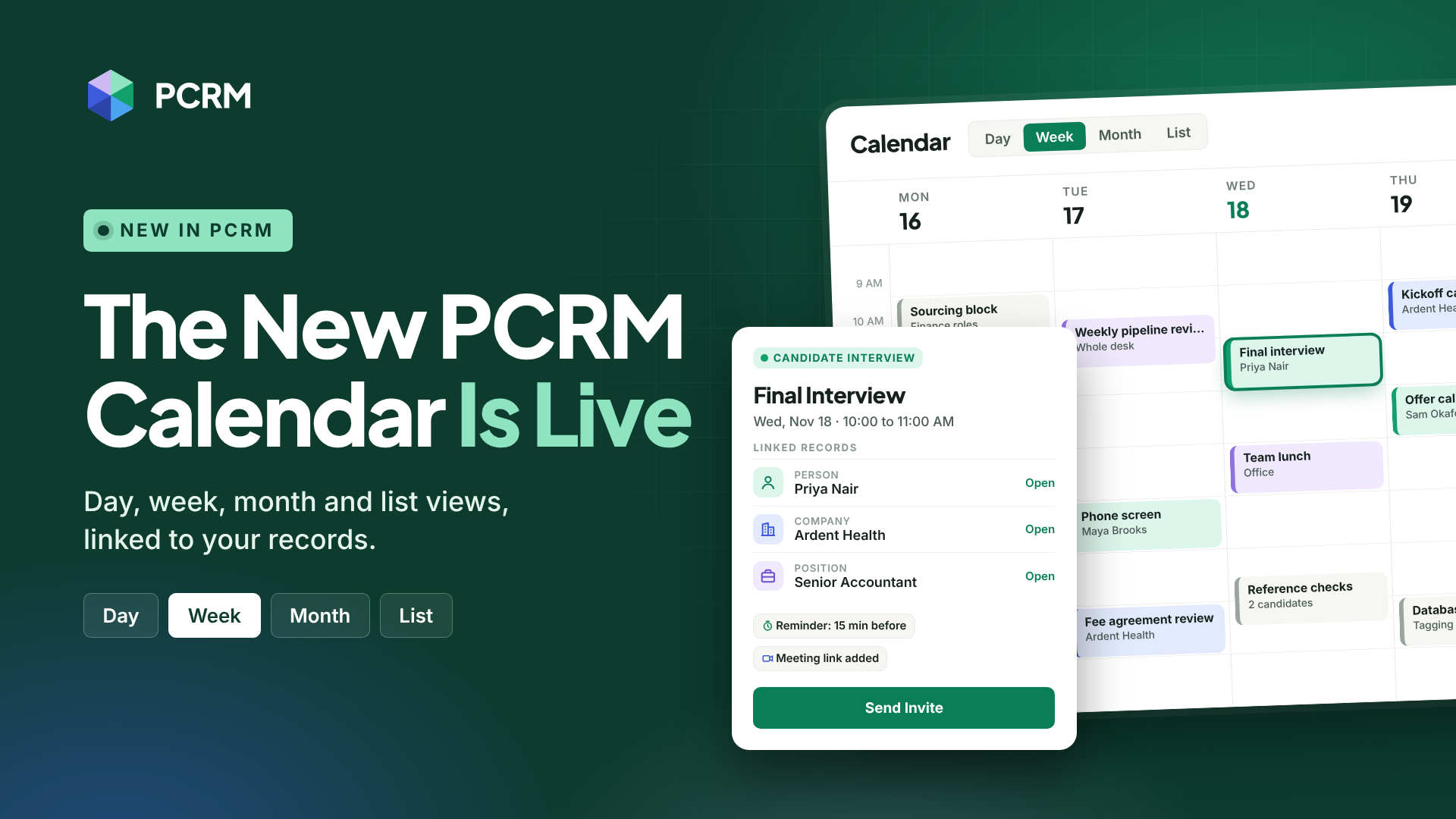



Scheduling at the Speed of Recruiting
Timing is key in recruiting, whether that's being ready for that interview call with your MPC, making the promised follow-up call with your new client, or having that meeting with your team that you just can't miss. Your recruitment CRM's calendar should keep up with you, not slow you down. So we rebuilt PCRM's from the ground up.
Book It in Seconds
Click an empty time slot, type a title, and press 'Create'. Need a longer slot? Just drag down. Repeating check-ins, reminders, and links to jobs, clients, and candidates all live in the same panel, so nothing sends you hunting through menus.
And when plans change (which we know they will), your calendar keeps up. Just drag an interview to a new time or a new day, or stretch it to run longer.
Every View You Need
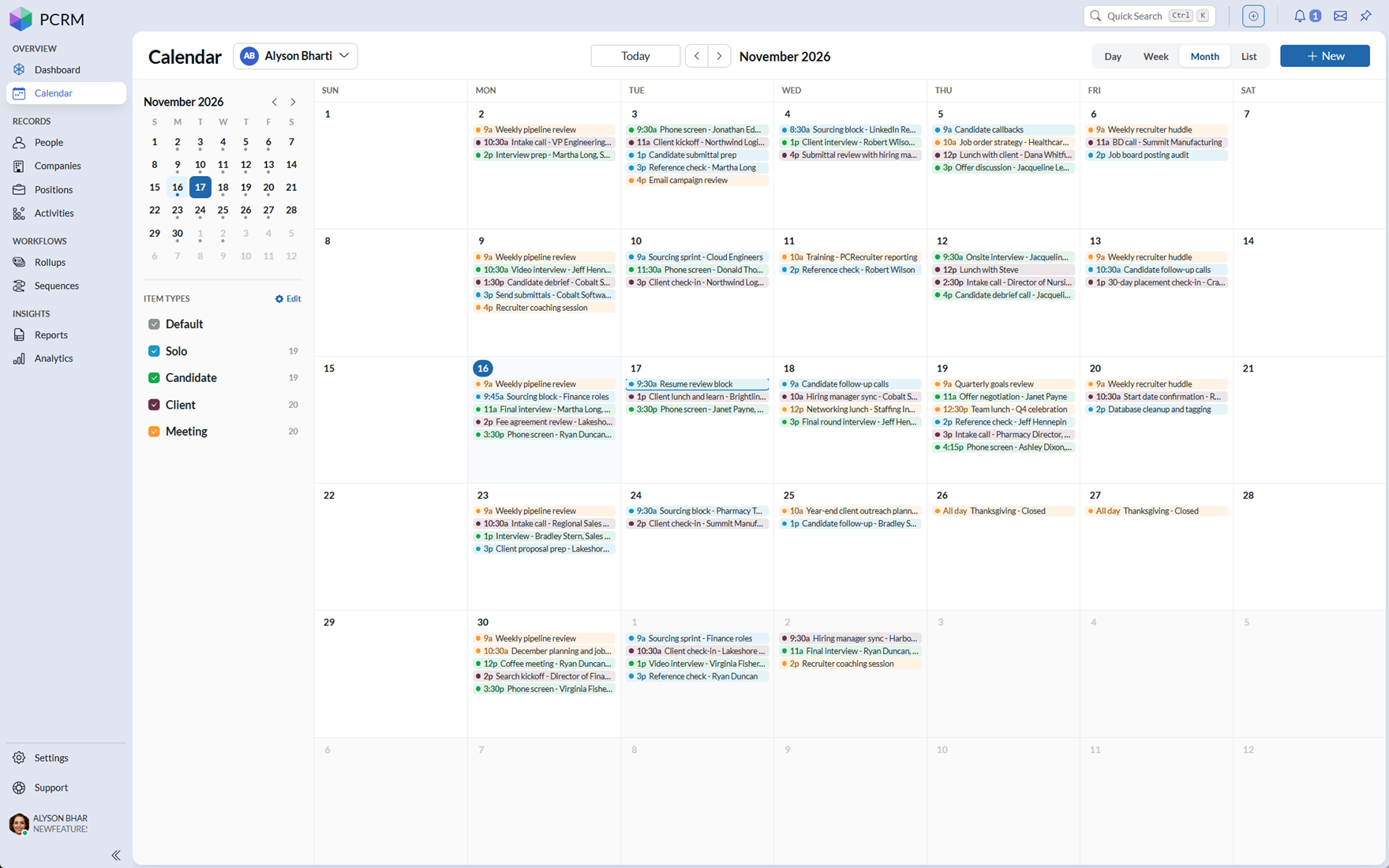
Switch between Day, Week, Month, and List views in one click, or with a single keystroke.
Customizable color-coding lets you read your plans at a glance, and type filters hide the noise so you can focus on what matters today.
Managing a recruiting team? See every shared calendar at once with 'All users'.
Stay on Top of Every Meeting
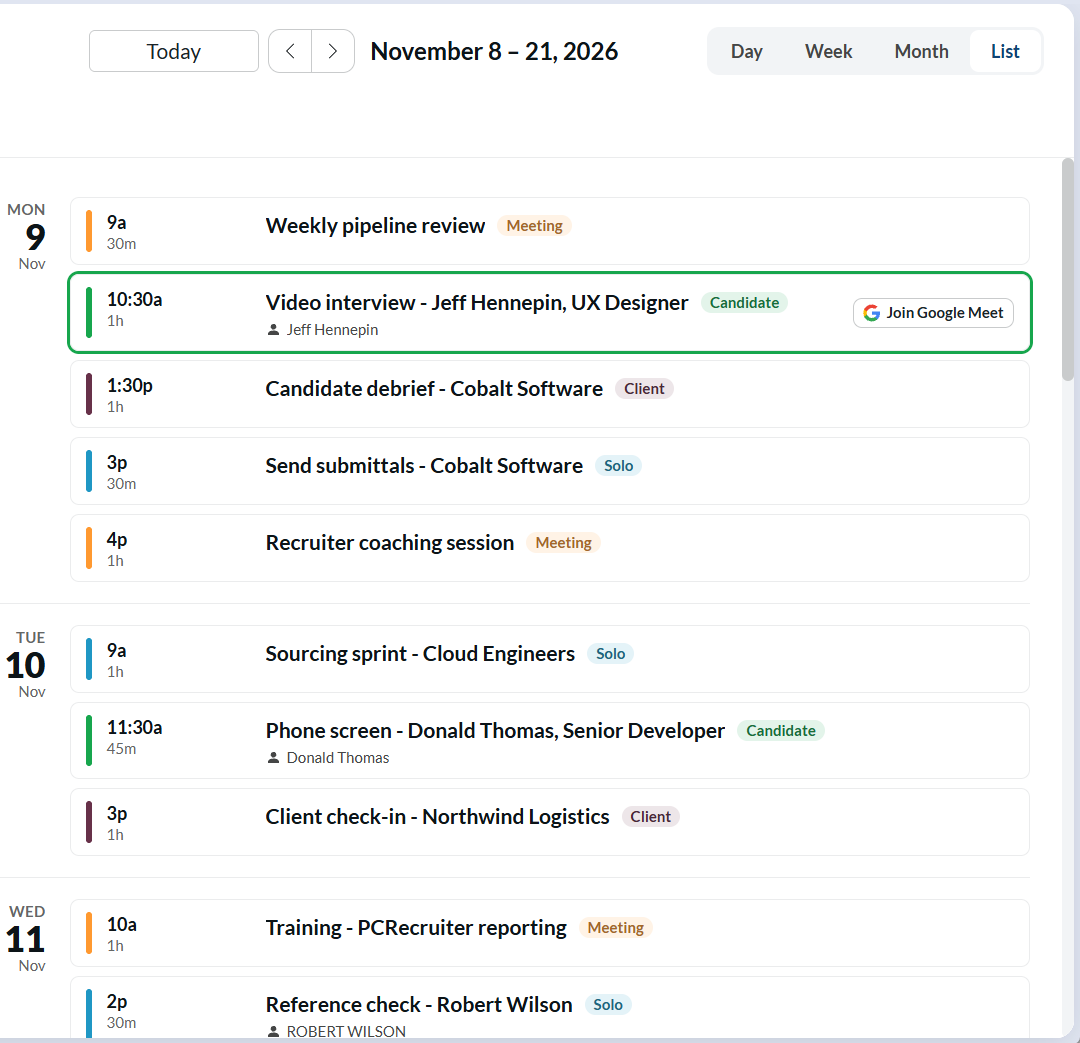
Join the Meeting Straight from the Calendar
Paste a Zoom, Teams, Google Meet, Webex, RingCentral, or GoTo link into the location, and a 'Join' button appears. Ten minutes before the start, it lights up with 'Join now' so you can get started in a click.
Reminders That Actually Reach You
Set a reminder on any item, and PCRM pops it up while you work, even as a desktop notification when PCRM is in a background tab. Snooze it, open the linked candidate, or jump straight into the meeting from the reminder itself.
Invites Without the Busywork
Send a calendar invite as you create the item. Your candidate's email fills in automatically, and the invite drops straight into their calendar.
Your Recruitment CRM Data Is All One Click Away
Link directly to the relevant candidate, client, company, or position from the scheduled item so you walk into every call prepared.
See the New Calendar in Action
PCRM has been serving recruiters since 1998, and the new Calendar is built around how a recruiter's day actually runs.
If you're reviewing recruiting software, or your current calendar still feels like a separate tool, we're happy to walk you through it. Book a demo and bring a typical week of interviews and check-ins. We'll show you how to book, reschedule, and join meetings in PCRM in a few clicks, and we'll answer your questions in plain terms before you commit to anything.